Why Deposit at z7ebd
Depositing at z7ebd opens access to over 2,600 games, live casino tables, and exclusive bonuses. Every deposit earns you closer to VIP status and unlocks cashback rewards. Deposits are quick, secure, and supported by local payment methods familiar to Bangladesh players.
Payment Methods Overview
z7ebd accepts four trusted mobile payment systems widely used across Bangladesh. Each method is instant, encrypted, and reversible if there are any issues. Choose whichever you use every day.
-
bKashDeposit Time4 minWithdrawal Time14 min
-
NagadDeposit Time4 minWithdrawal Time14 min
-
RocketDeposit Time4 minWithdrawal Time14 min
-
UpayDeposit Time4 minWithdrawal Time14 min
Deposit Limits
z7ebd sets deposit minimums to keep gaming accessible; there is no upper daily limit, so you can reload as much as you want. Daily withdrawal limits vary by VIP tier.
Maximum Daily Withdrawal (Classic): ৳130,000
Maximum Daily Withdrawal (Elite VIP): ৳960,000
How to Deposit at z7ebd: Step-by-Step
Follow these simple steps to fund your z7ebd account. The entire process takes under 5 minutes.
-
1
Log In or Register
Go to z7ebd, sign in to your account, or create a new one if you're playing for the first time.
-
2
Click "Deposit"
Find the Deposit button in the main menu or cashier. It's always visible at the top of the page.
-
3
Choose Your Method
Select bKash, Nagad, Rocket, or Upay. All are instant and support amounts from ৳500 up.
-
4
Enter Amount & Confirm
Type the amount you wish to deposit, review the fee (if any), then confirm. You'll be sent to your payment app.
-
5
Complete Payment
Approve the transaction in your bKash, Nagad, Rocket, or Upay app using your PIN. You'll return to z7ebd automatically.
Tip: Save your z7ebd account number in your payment app's favorites for faster future deposits.
Deposit Processing Times
z7ebd deposits are credited in real time, usually within 4 minutes from the moment your payment app confirms the transaction. If your deposit doesn't appear immediately, here are the likely reasons and fixes.
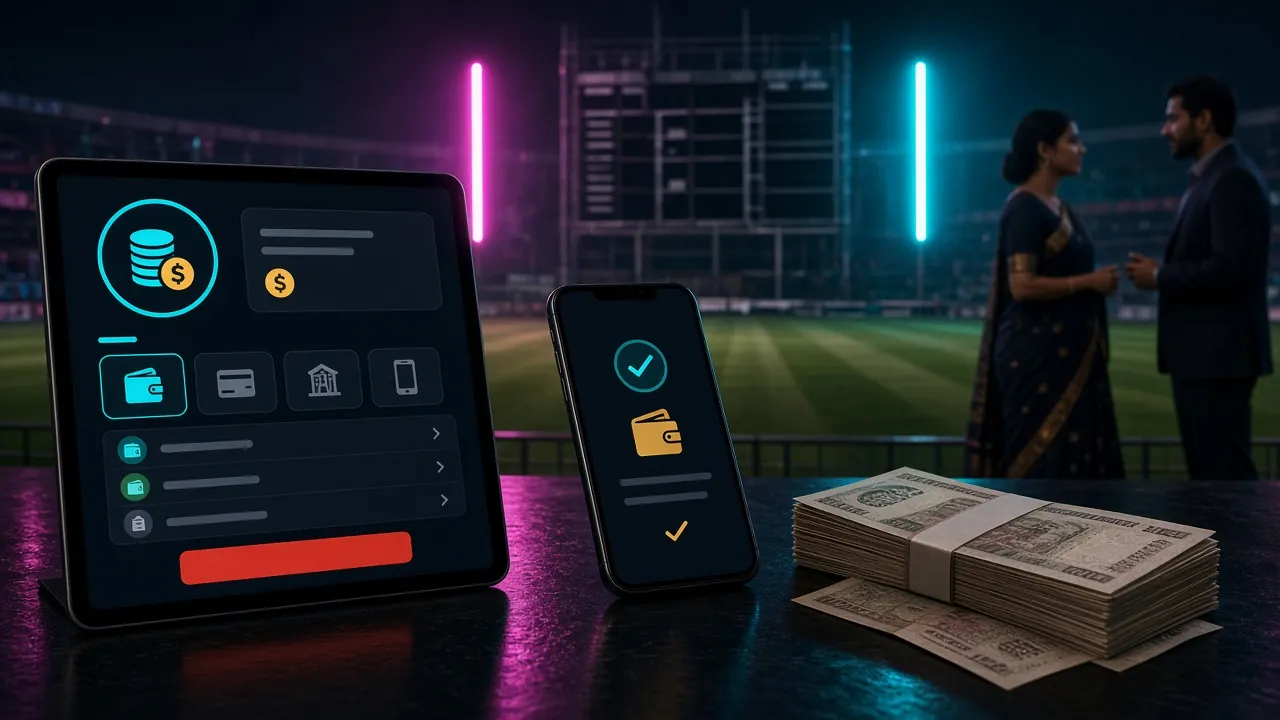
Why deposits are fast: z7ebd uses direct carrier integration with bKash, Nagad, Rocket, and Upay. Your transaction is verified and posted to your game wallet instantly.
Troubleshooting Deposit Problems
Most deposit issues are small and fixable. Check these common scenarios first before contacting support.
Deposit Completed in Payment App but Not Showing in z7ebd
- Check your z7ebd wallet balance: Sometimes the page doesn't refresh. Log out and back in.
- Verify the account number: Confirm you entered the correct z7ebd deposit number in your payment app. A single digit error routes the money elsewhere.
- Check transaction history: In your payment app (bKash, Nagad, etc.), look at "My Transactions" to confirm the payment was sent to z7ebd's registered account.
- Wait up to 15 minutes: In rare cases, the connection is slow. Most appear within 4 min; 15 min is the absolute max.
Payment App Shows "Transaction Failed"
- Insufficient balance: Make sure you have at least ৳500 (or your chosen amount plus any fee) available in your mobile wallet.
- Daily transaction limit exceeded: Some carriers cap individual transactions. Try a smaller amount or try again tomorrow.
- Account restrictions: If your payment app account is inactive or limited, contact your carrier directly.
- Wrong account type: Ensure you're using a personal account, not a merchant account. z7ebd cannot accept merchant deposits.
Deposited Money Returned to Payment App
- Wrong z7ebd account number: The money reverses if the account number is invalid. Check the deposit form again and retry.
- Duplicate transaction prevention: If you accidentally clicked Deposit twice in quick succession, the second one may bounce.
- Account temporarily blocked: In rare cases, a new account may have a hold. This lifts after your first successful deposit and KYC verification.
Still stuck? Contact z7ebd support at [email protected] with your transaction ID from your payment app. We resolve deposit issues in under 1 hour.
Frequently Asked About z7ebd Deposits
Is there a fee for depositing at z7ebd?
Can I deposit using a merchant account or business wallet?
What happens if I deposit to the wrong z7ebd account?
Can I deposit from someone else's bKash / Nagad account?
How do I know my deposit is secure?
Do deposits count toward the wagering requirement?
Can I set a deposit limit to control my spending?
What if I need to cancel a deposit?
Ready to start playing? Create your z7ebd account and make your first deposit to claim the 200% welcome bonus.
Register & Deposit NowRelated guides: How to Log In · Withdrawal Guide · Download the App